Start with the tutorial
The guided tutorial puts you at Ben Gurion Airport for a short arrival and departure. A coach introduces the radar, aircraft commands, and the next clearance. Afterward, the Academy offers focused exercises for the same skills.
Choose a session
In New session, choose San Francisco International or Ben Gurion, then set the traffic and realism level. San Francisco also offers a dedicated Tower position. Free play and timed shifts let you practice beyond the lessons.
Read the scope and talk to pilots
- Select an aircraft on the radar or from its flight strip to see what it needs.
- Type a clearance in the command box. The built-in command grammar works without a microphone or account; type HELP in game to see the reference.
- Watch the pilot's readback and the aircraft's response. Adjust the sequence as traffic develops and review your shift afterward.
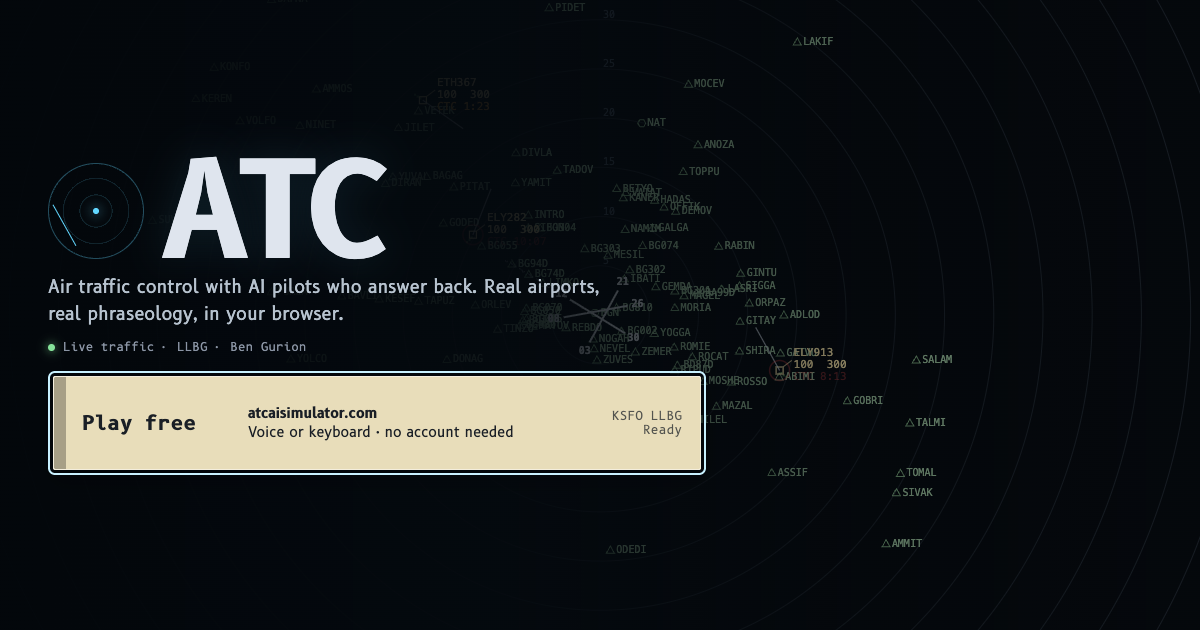
Want to speak? Optional push to talk and AI radio may be available when the service is enabled. Keyboard clearances and browser voices remain playable without them.
Play at your pace
The browser game is free to start and does not require an account. A desktop browser gives the radar, flight strips, and tower view room to work. The airport briefings inside the game include runways, procedures, and source notes for players who want more detail.